Start with your recipe.
Keep ingredients, amounts and your process together. Give the next version a little of what you learned from the last.

Meet your homebrewing journal. Keep the recipe, follow your fermentation, and remember what made that batch worth brewing again.
Built for Android · No app account required
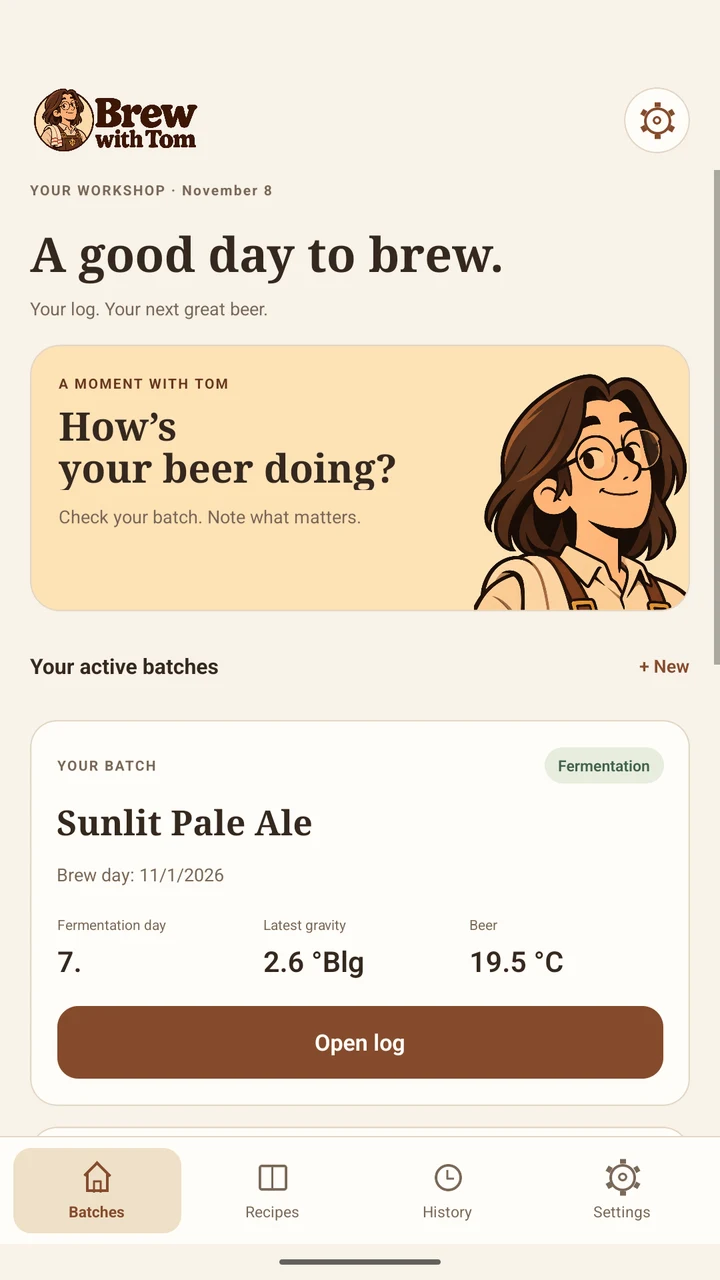
 Your next great beer starts here.
A recipe in one place. A gravity reading on a scrap of paper. That thing you meant to change next time. Bring it all into the same workshop.
Keep ingredients, amounts and your process together. Give the next version a little of what you learned from the last.
Record brew-day results, yeast, gravity and temperature. Follow fermentation and set local reminders for what comes next.
Log dry hops, final gravity, packaging and more than one tasting. Keep the details behind a beer you want to make again.
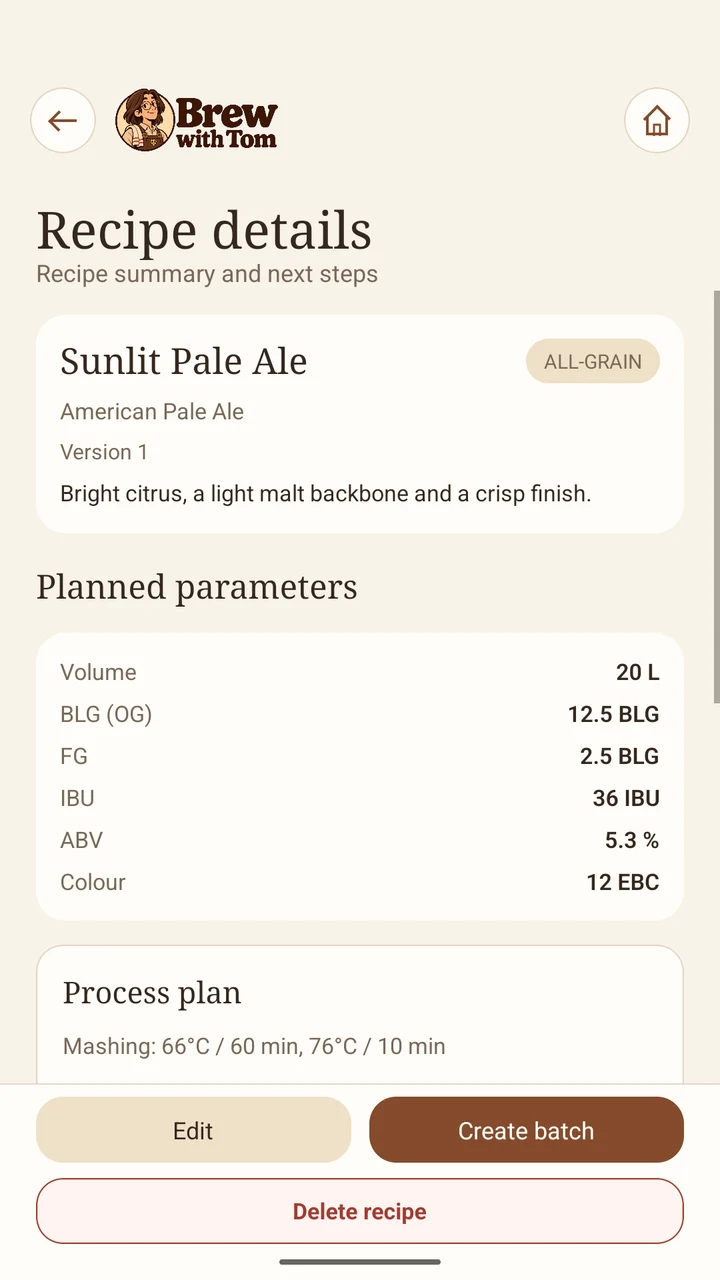
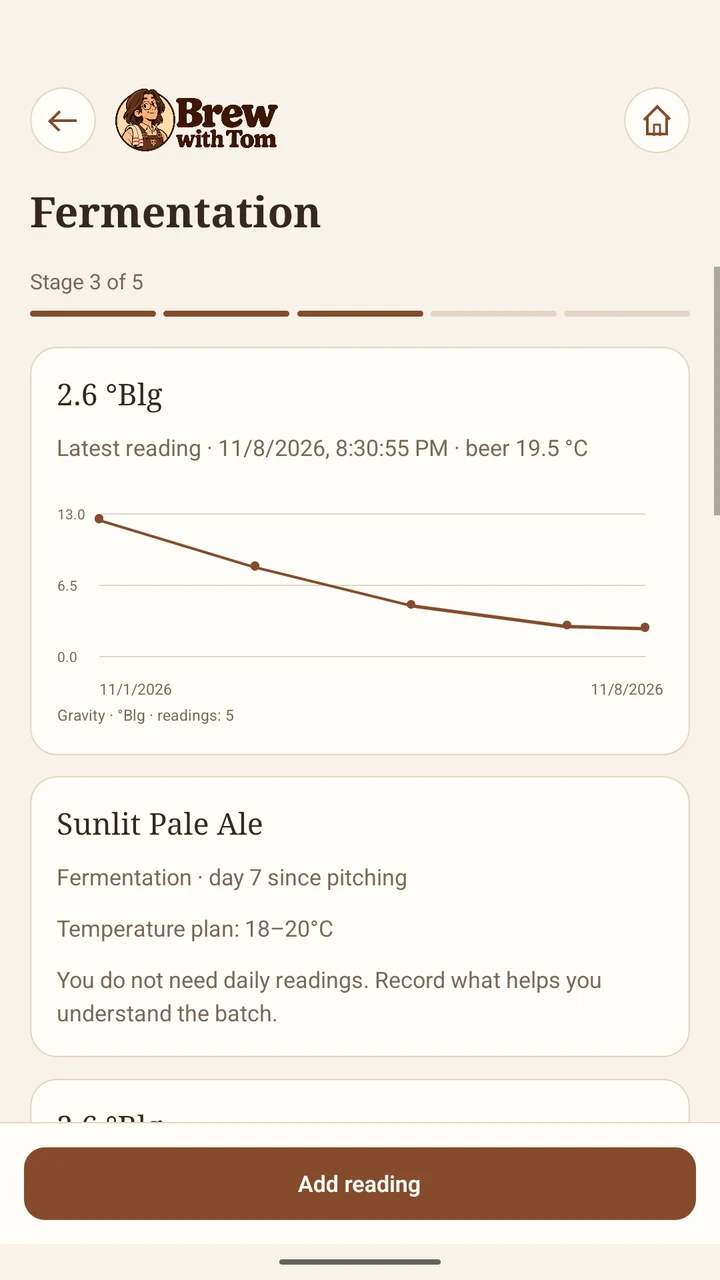
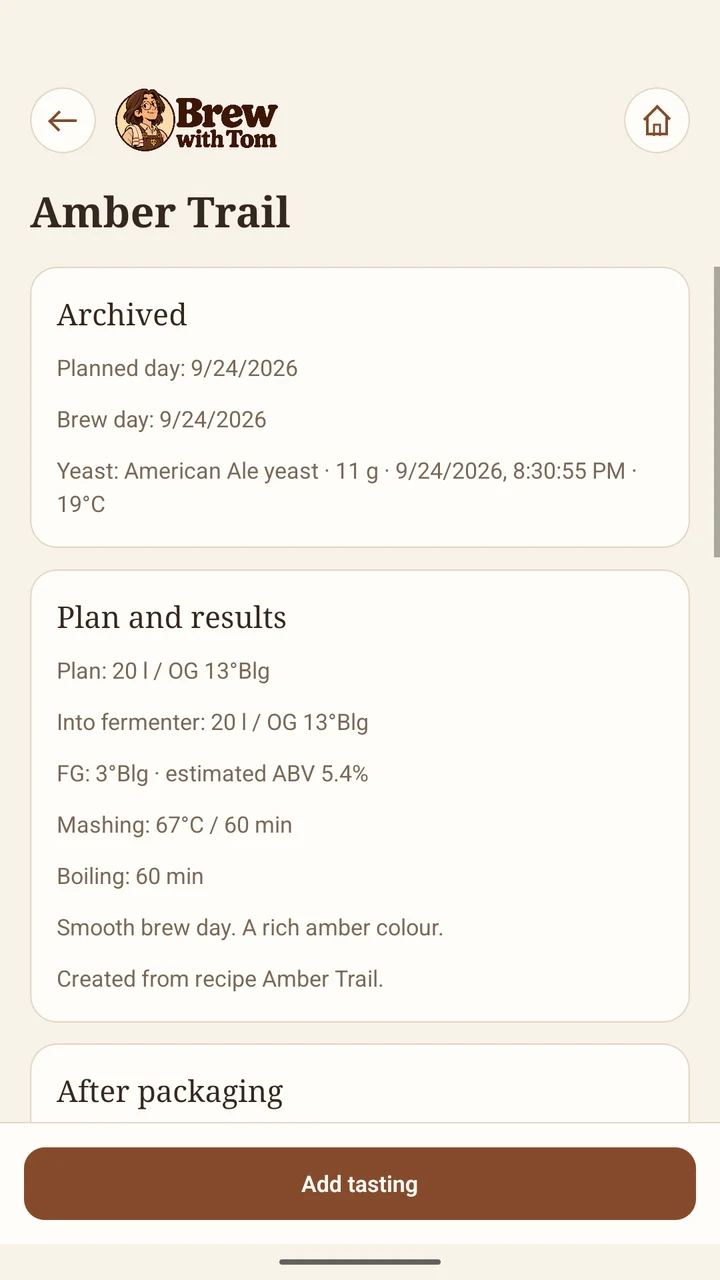
Actual app screens. Recipes and batch data shown are demonstration examples.
Take a quick look around. Real app footage, a few good notes, and your next brew taking shape.
Music only, no spoken audio. Read the video transcript.
Your brewing journal is stored locally on your device. No Brew with Tom account, no cloud journal to manage.
In builds 9 and later, optional error reports and technical logs help us fix problems. Diagnostics are off by default and require a separate choice in Settings; your journal stays local. See exactly what is processed.
Try the journal with Workshop Start. When you need more room, Workshop Plus removes the recipe and batch limits with a one-time purchase.
Free to start
Deleting a batch does not renew the Start allowance.
One-time purchase · No subscription
The current local price, currency and any taxes are shown by Google Play before you confirm payment. Availability can vary by country.
The Android release is being prepared. A verified Google Play download link will be added when the listing is live. There is no iOS release announced here.
You do not need a Brew with Tom account. Your recipes and batch journal work locally. Purchases, restoring Plus and sending technical diagnostics use an internet connection.
Export a backup from Settings, keep the file safely, then restore it on the other device. Restoring replaces that device’s current journal. Restore Plus separately through Google Play using the purchasing account. Android may also provide system backup depending on your settings.
The app records observations and calculations. It cannot verify fermentation completion or guarantee safe packaging. Use suitable measurements, proven brewing methods and safe equipment; a reminder or displayed estimate is not a safety check.
The app supports English, Polish, German, Spanish and French, plus light, dark and system appearance. This website’s introduction is in English; legal information is available in English and Polish.
Brew with Tom is getting ready for Google Play. Until then, take a look around the workshop or get in touch with a question.
Contact the developer ↗Visit the help deskFor adults of legal drinking age. Follow the brewing and alcohol laws where you live.